TV Time shut down on July 15, 2026
TV Time is gone. Bring your shows to tely.
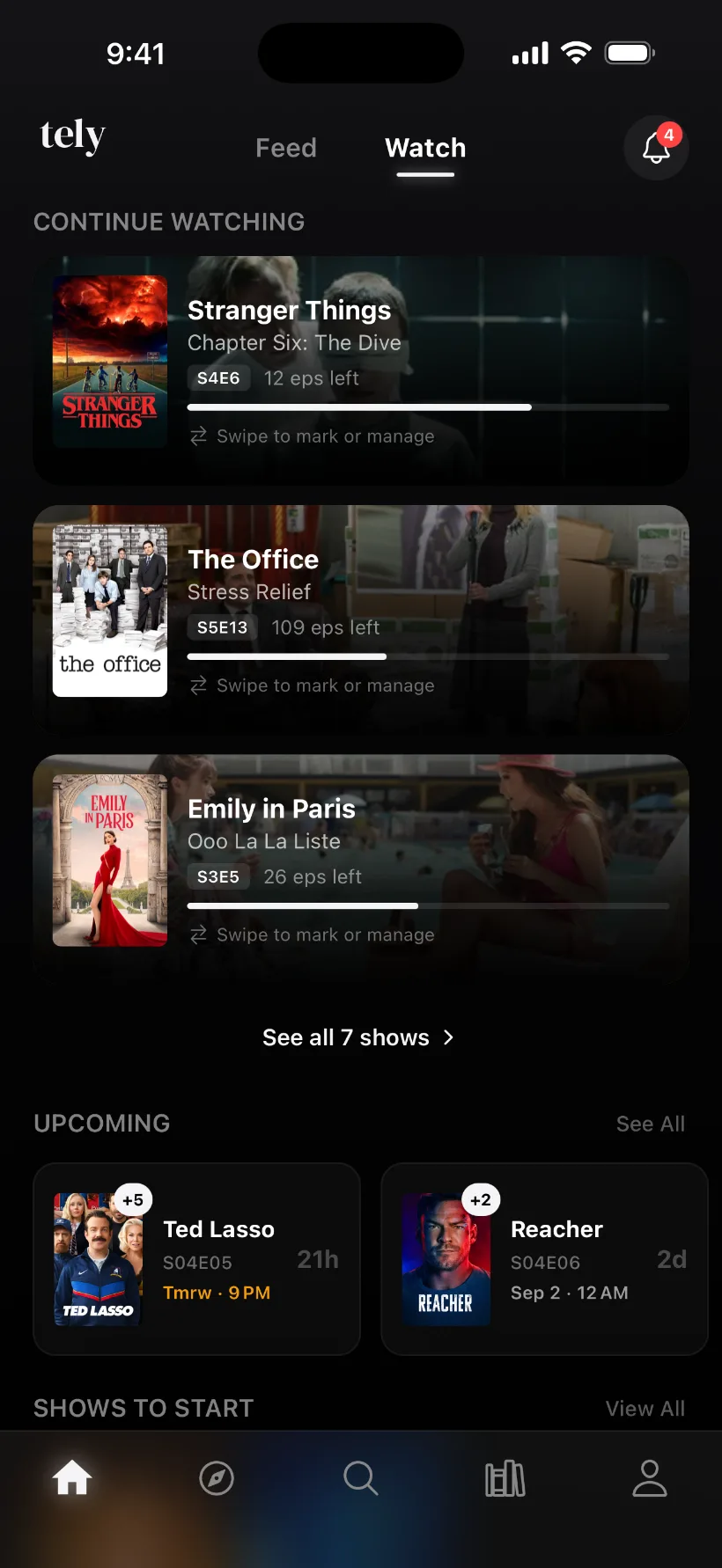
If you downloaded your TV Time data, tely can read it and rebuild your library: the shows you tracked, how far you got in each, your watchlist and your movies.
Runs in your browser or in the app. You review everything first, and nothing is added until you tap Add.
What comes over, and what doesn't
Comes over
- Shows you tracked
- Added with your progress restored up to your furthest episode, the highest season and episode you watched. Everything before it is marked watched too. Episodes are matched by TV Time's own IDs, so different numbering in tely does not matter.
- Archived shows
- When your progress is found, they arrive as On Hold.
- Shows tely can't place
- If tely can't work out where you were, the show goes to your watchlist and you can mark episodes yourself. Archived shows get the same treatment.
- Shows you saved for later
- Shows on your list that you never started go to your watchlist.
- Movies
- Watched and saved movies, matched by title and release year (and runtime when your export has it).
Stays behind
- Ratings, reviews and lists
- tely does not import ratings or votes from TV Time. Only shows, watched episodes and movies are read, so lists, favorites and the rest are ignored. Rank a few favorites in tely to start.
- Per-episode dates
- Every episode of a show takes that show's most recent watch date, not its own.
- Movies tely can't match
- Never guessed. They are listed under Couldn't find in library so you can add them by hand.
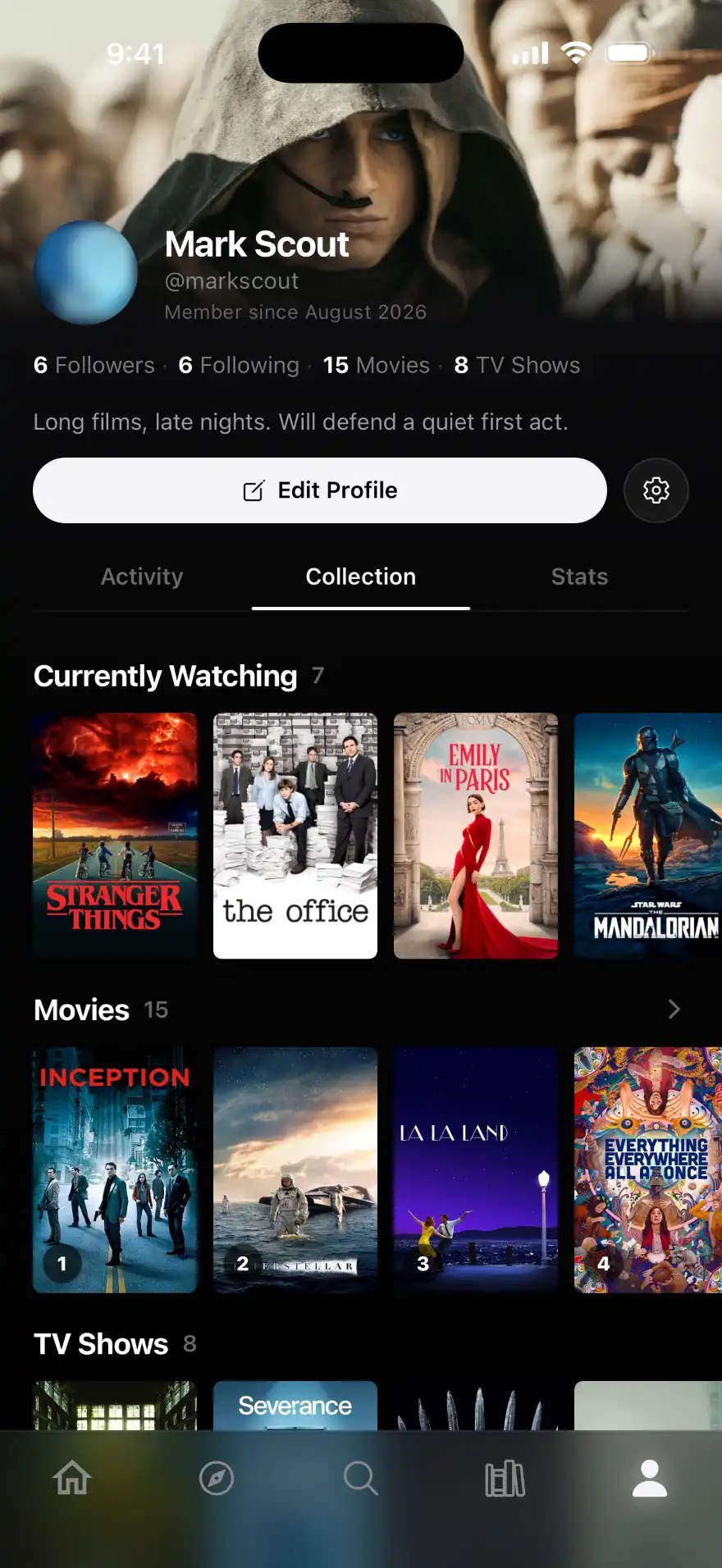
Watched titles also appear as posts on your profile and on each title's page, dated when you watched them. They are not pushed to your followers' feeds, and the review step tells you this before you add anything.
Where to find your export file
It is the zip TV Time sent you when you requested your data. Look in your Downloads folder and your email for a zip file from TV Time. You don't need to unzip it: upload it as it is, up to 6 MB.
- Your shows and episodes
- tracking-prod-records-v2.csv
- Your movies
- tracking-prod-records.csv
- On the web
- telyapp.com/import: sign in with an email code, choose the zip, review, then Add
- In the app
- Settings, then Import your history
tely can only import a file you already have. It can't pull your history from TV Time. The same importer also reads Letterboxd and Trakt exports.
No export? Start fresh in minutes
Without an export there is nothing for tely to read, but you don't have to rebuild by hand. Mark a show as watched in tely and it fills in every released episode for you. Start with the shows you care about most.
What tely is
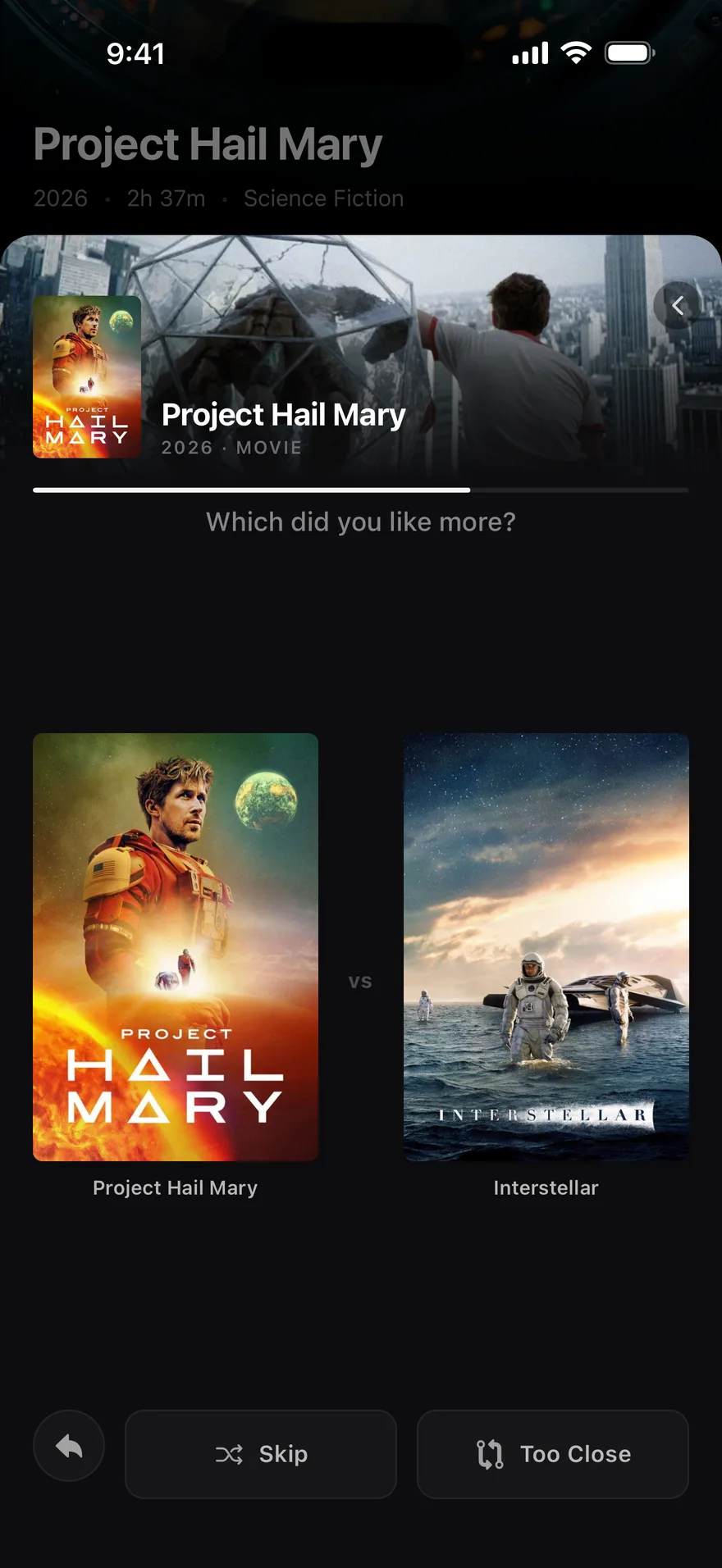
tely is a social film and TV diary. Mark episodes as you go and it remembers where you stopped, even when a season lands two years late. Rank what you've seen so a rating means something, then follow the people whose taste you trust.
Questions
Does tely cost anything?
tely is free to download and use.
Can I import from my computer, or do I need the app?
Either works and the result is the same library. The web import at telyapp.com/import runs in any browser. In the app, go to Settings, then Import your history.
My export zip is over 6 MB. What can I do?
The importer only reads two files: tracking-prod-records-v2.csv and tracking-prod-records.csv. Make a new zip containing just those two files (or just the first if you have no movies) and upload that. It works whether the files sit at the top of the zip or inside a folder.
What happens to my export file?
The file is read to build your preview. tely's import does not save the zip itself, and only the titles you confirm on the review screen are added to your library.
Does tely work on Android?
tely is on the App Store for iPhone now. An Android version is not out yet. The web import works from any computer, and your library will be waiting when you sign in on your iPhone. Questions about Android? Email support@telyapp.com.
Your history deserves a home.
Bring your TV Time export over and pick up where you left off.